For non-technical people
Yukata One. Live workshops where you build your own AI work system.
A cycle of 9 workshops. Step by step, with a facilitator and a group, you build your own AI assistants, from the browser, through your computer, to the cloud. Annual access to yukata.ai is included, so you keep working after the course.
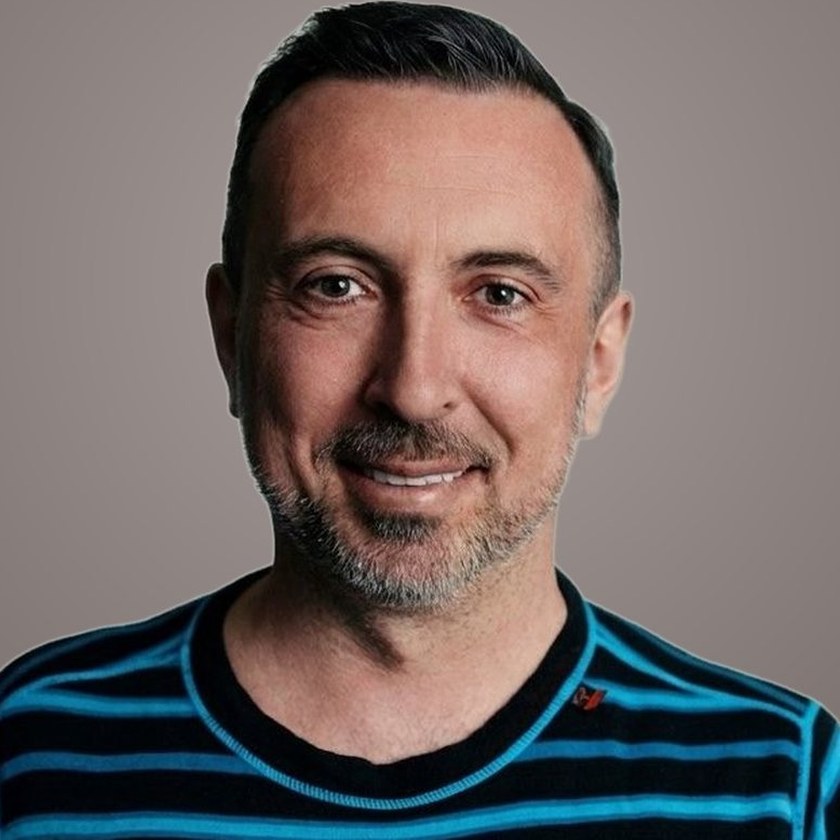

Workshops are led by, among others, Artur Racicki and Katarzyna Kraska-Sadokierska.
The difference
You leave with a system, not with knowledge about a system.
Sound familiar? An AI course where you listen to case studies and other people's examples, get a certificate and go back to work with nothing that actually runs. Still at zero.
Yukata One is different. In the workshops you build your own working AI system and use it right away, on your own computer. Practice, not talk.
What you build
You leave the course with your own team of AI assistants.
Not theory, but a working system: your assistants (Voice writes in your style, Brain guides you through decisions, Operations keeps the plan), your files, on your computer. The system is yours and independent of the tool: you use it in ChatGPT, Claude, Gemini or Copilot.
Who it is for
Who Yukata One is for
For individuals and teams. Team of up to a dozen or so people: join the open workshops (or ask us); more than a dozen or so people: the For Teams tab, a private cohort. For non-technical people who want to really KNOW how to use AI, not just hear about it:
Leaders, who want to be ahead of the market: not occasional chat users, but AI operators.
Experts and researchers, who want to use AI consciously and get real value from it in daily work.
Scouts and HR, who test good workshops on themselves first, before rolling AI out in the company.
This is for you
You want to build your own way of working with AI, you run a company or an area, and you prefer to learn live in a group.
This is not for you
You are looking for a "ChatGPT from scratch" course, you want theory, or you expect AI to do everything for you.
Example workshop cycle
9 workshops. In each you build a part of your own system.
An example cycle. In W1-W2 you work in the browser; from W3 on your own computer.
Foundation
platforms, your context files, your first assistant (browser).
Full context + Voice
files about what you deliver and about your style; an assistant that writes in your style.
Onto the computer
the terminal, the CTO assistant, your files on disk, backups.
Brain + Operations
decisions from many angles, plans and priorities day to day.
System review
the terminal, VS Code and Claude Cowork on the same folder, solving a real problem live, the Starter.
Producer
long and short content in your style, graphics, research for content.
Dedicated + hygiene
an assistant for your role, order and file safety.
Skills and automations
the /graphics and /research commands, your first automation.
Finale
your whole team of assistants splits a real task, a demo of your system.
Participant skills
After the course you do this yourself, on your own computer and on your own work.
You have a team of your own AI assistants that know you and your company, and you can build new ones when a new need comes up. They write in your style, and you decide what goes out.
You hand AI work on files on your own computer, in VS Code or in the Claude Cowork, ChatGPT or Antigravity app. You approve every change and you have a backup.
You make decisions and set priorities with AI: you see the options and risks, the choice stays with you, and you record the reason in a decision log.
From one topic you produce research with sources and content in several formats: a longer text, short formats, a graphic.
Part of your repetitive work happens without you: automations prepare, for example, research for Monday morning.
You know what you may put into AI and what you may not: you anonymize data before it reaches the model, and the whole team of assistants follows your security rules. Data security and GDPR are part of the course.
Community
You are not left alone with it.
A participant community on Skool: questions, support and exchange, also between workshops and after the course. A big value that standalone annual access does not have.
Who leads
Workshops are led by, among others, Artur Racicki and Katarzyna Kraska-Sadokierska.
Artur Racicki. Entrepreneur who has been building technology companies since 2003, a mentor to entrepreneurs and a lecturer. Author of the yukata program, who works every day on the system of assistants built in the workshops.
Katarzyna Kraska-Sadokierska. Leads the live Yukata One workshops: she shows every step on screen and then makes sure the whole group gets to a working system.
The rhythm
How a course week looks
Two live workshops a week, 2 hours each.
After each one, one task to do on your own.
After the recording, 15 minutes of questions.
Just enough to keep up without quitting your job.
What stays after the course
The course ends, the access stays.
Certificate and 12 months of the Platform
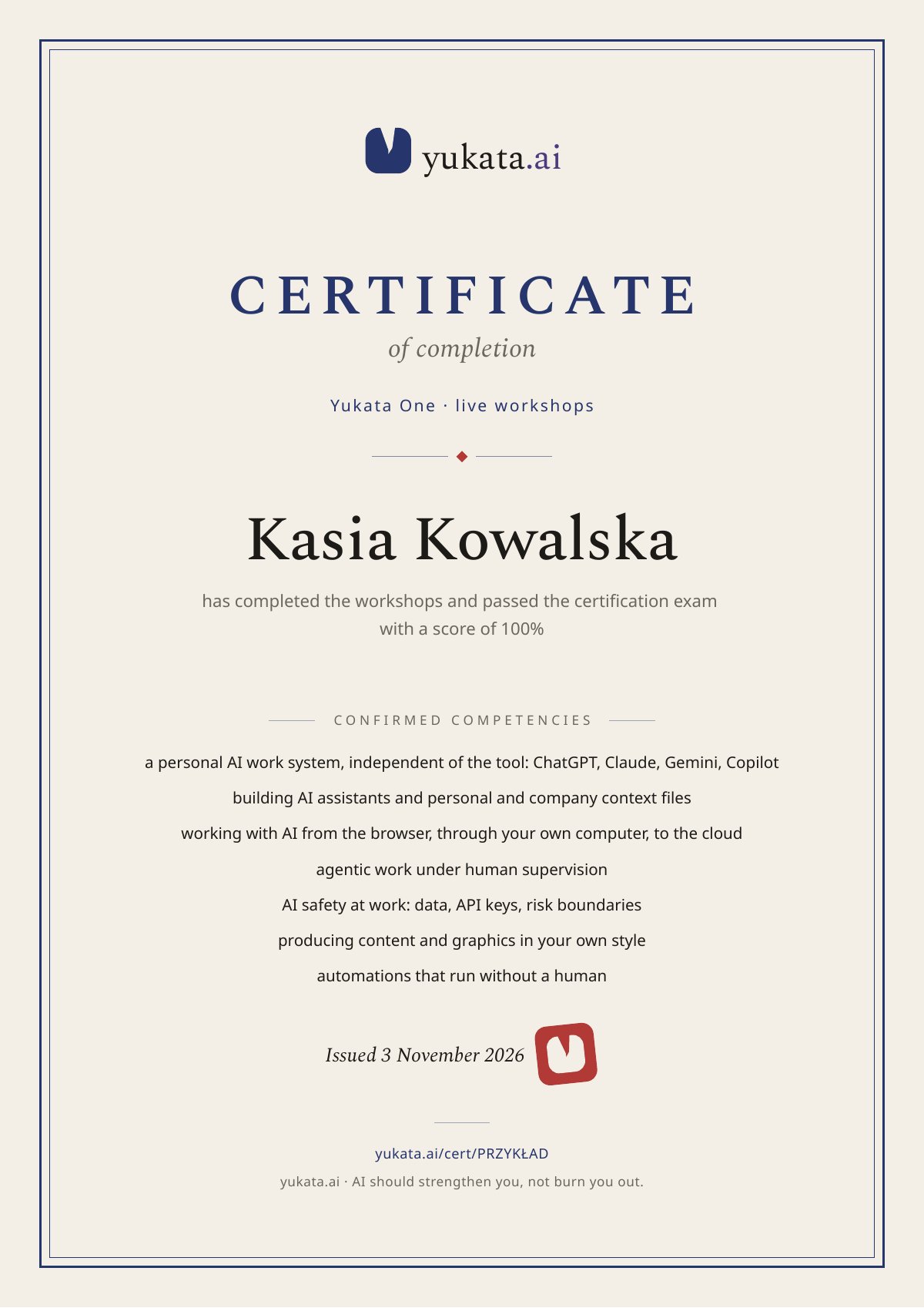
Your team of assistants and the recordings of all workshops stay with you. The course ends with an exam: 20 questions from the whole course, pass mark 80%. Once you pass, you get a certificate with a public verification page, a PDF and an “Add to LinkedIn” button. About 9 workshops is not the end: after them you have 12 months of the Platform with further self-paced workshops, the Knowledge Base, the AI Mentor and material updates. That is also where you get support after the course. See what is in the Platform →
From past cohorts
Graduate voices

I gladly took part in the course led by Artur. Now, I would send many people from my circle to it. The author's practical knowledge, built over hundreds of hours, and the way he shares it guarantee that artificial intelligence will never catch you off guard again, and that you will quickly build a team of capable AI helpers working for your business - whatever field you work in. The way Artur guides you through the corners of new technology, recommends the best tactics and tools, and motivates you to work is unique. I warmly recommend it.

yukata helped me organize how I work with AI: I understand knowledge bases, agents and training my own system better. I recommend it to anyone who wants to use AI consciously.
Yukata One graduate

This was my first AI training, so I started from zero. Instead of using AI in the dark, I built my own work system. I am at the beginning, but the results already show.
Yukata One graduate

I moved three levels up: from working with prompts to architecting agents. I built a real, working ecosystem of agents for my project and use it every day.
Yukata One graduate

After the course I have agents and hand them work on specific files, no longer just through the browser but also through the terminal. It was a real step forward.
Yukata One graduate

I used AI only occasionally and in complete chaos. During the course, I organized the knowledge base I use for management, built my own project and created assistants tailored to my language and needs. I recommend this training to people who feel discouraged by AI because they lack a plan and want to finally integrate these tools sensibly into their everyday work.
Yukata One graduate

I better understand how to influence the quality of AI tools' responses and tailor them to my own needs. It has made me more conscious of how I work with AI.
Yukata One graduate
Comparison
On your own, or with live workshops?
| Yukata Platform PLN 1,950 net per year PLN 2,398.50 gross | Yukata One PLN 3,900 net PLN 4,797 gross |
|---|---|
| You work on your own, all year | You take part in 9 live workshops |
| Your own pace and order | A set program, session by session |
| You build your own system, get the AI Mentor, ready-made packages and the Base | The same, plus workshops, exercises, a group and community |
| You implement on your own | You implement in the workshops, with a facilitator and a group |
| Annual access to everything | ← The full Yukata Platform included |
Price and terms
PLN 3,900 net.
PLN 4,797 gross (incl. 23% VAT)
One payment. Annual access to yukata.ai included.
Workshops run in English or Polish. In English, you join through a short brief: we agree the dates, the group and the language with you first, then you get the details and the invoice.
Prefer to work on your own? Yukata Platform can be bought online right away.
November cohort for NGOs: the same program, adapted to foundations and associations. Details →
Send us a brief
Tell us who it is for, how many people, the language and the dates that suit you. We reply within 24 business hours.
FAQ