November cohort for nonprofit organizations
Yukata One for NGOs. You build your own AI work system on your organization's real work.
The same program as Yukata One: step by step, with a facilitator and a group, you build your own AI assistants and grow as an AI operator. The difference is that you do everything in the context of your foundation or association: fundraising, partners, the people you serve, your website and whether AI chats know about you at all.
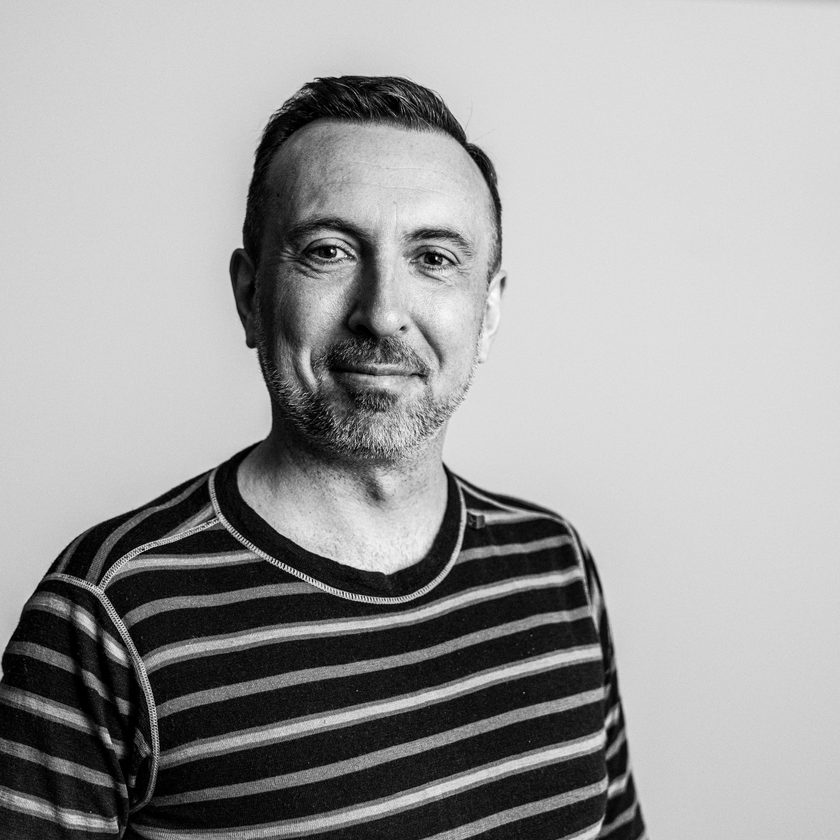
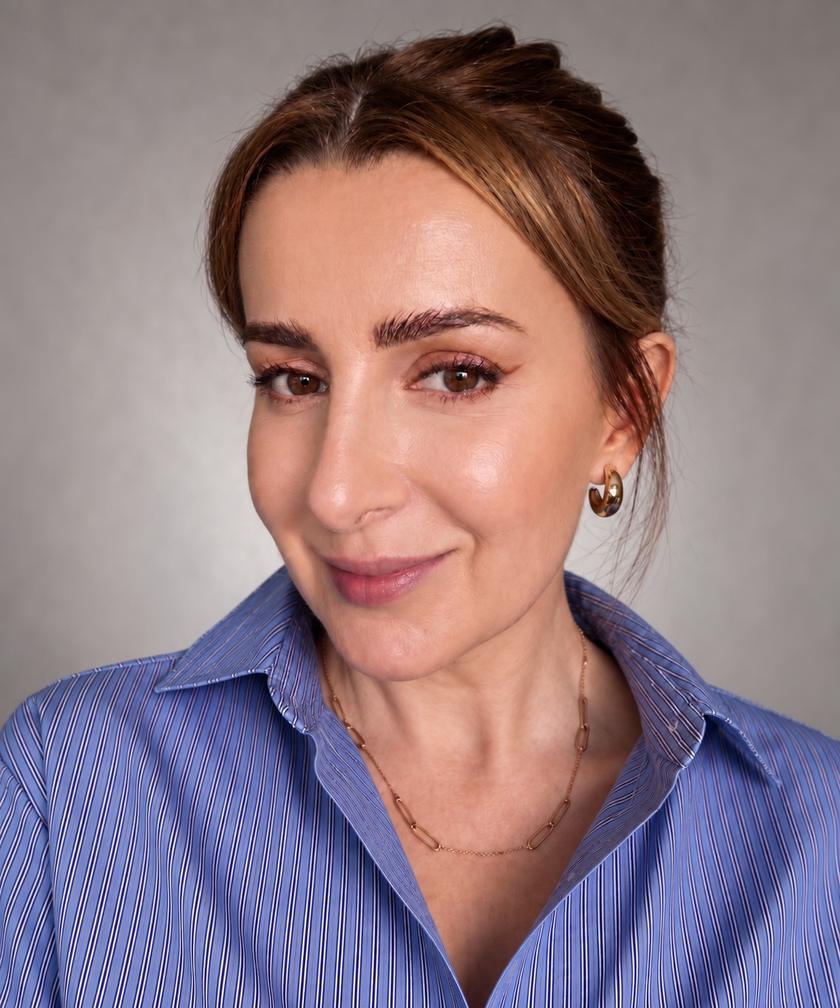
Workshops are led by, among others, Artur Racicki and Katarzyna Kraska-Sadokierska.
photo: Łukasz Głąb (Artur Racicki)
The whole, not a slice
Fundraising is one piece. An organization needs a whole system.
An organization has many things going on at once: grant applications, thanking donors, looking after the companies that support you, answering people, the website and social media, and on top of that regulations. That is why we do not teach grant writing alone. We look at the organization as a whole, from a marketing and sales angle: where the money comes from, how to keep relationships going and how to make sure people find you.
What we focus on in NGOs
Six areas we add to the core program.
You work through each of them on your real cases, not on textbook examples.
Fundraising
A review of grant calls and funders with sources, a "we apply or we pass" decision with the reason written down, donor letters and reports written in your voice.
Partner care
Companies and sponsors who support you: the history of the relationship in one place, contact reminders, thank-you notes and a short report for the partner, so the relationship lasts longer than one campaign.
Supporting the people you serve
Who reached out, what they asked, what happens next: order in your contacts with people, whether you work in a spreadsheet or a CRM. An assistant helps answer recurring questions, and you decide what goes out to people.
A landing page in 20 minutes
With the tech assistant @tech we build a simple landing page and publish it live, during the workshop. We show that when the need comes up, you can handle it yourselves.
Visibility in AI chats
More and more people ask ChatGPT, Gemini or Copilot whom to help and where to find support. You check whether AI knows your organization, confuses it with another or leaves it out, and you get a plan of fixes. We use the "Visible in AI" package from the yukata Base.
AI Act and NIS2
The AI Act also applies to organizations that use AI, including the AI skills of your team. You build a register of AI tools and a simple policy, check whether and to what extent NIS2 applies to you, and agree which donor and beneficiary data never goes into AI.
The core program in your organization
9 workshops. In each one you build a piece of the system for your organization.
The program is the same as in Yukata One. In W1-W2 you work in the browser, from W3 on your own computer. Next to each step: how it works in an NGO.
Foundation
files about your organization, donors, partners and the people you serve; a first assistant that uses them (@mini-oppy).
Full context + @voice
@voice is an assistant that writes in your style: thank-you notes, letters, posts.
Moving to your computer
your organization's materials in one place, a tech assistant @tech that helps with the tools you already use, a backup.
@brain + @oppy
@brain (decision hub) and @oppy (operations): decisions from several perspectives, for example which grant call to pick, a weekly plan for your campaign and partner contacts.
System review
the terminal, VS Code and Claude Cowork on the same folder, solving a real problem from the room, live.
@producer
@producer (content producer): one activity report becomes a website text, posts, a newsletter and material for a partner.
Dedicated + hygiene
your own assistant for your role, for example @fundraiser or partner manager; data security, the AI Act and NIS2.
Skills and automations
a weekly review of grant calls, an audit of your organization's visibility in AI chats, your first automation.
Finale
your whole team of assistants runs one real task for your organization, from research to a letter and a post; demo and certificate.
Participant skills
After the course you do this yourself, on your own computer and on your own work.
You have a team of your own AI assistants that know you and your company, and you can build new ones when a new need comes up. They write in your style, and you decide what goes out.
You hand AI work on files on your own computer, in VS Code or in the Claude Cowork, ChatGPT or Antigravity app. You approve every change and you have a backup.
You make decisions and set priorities with AI: you see the options and risks, the choice stays with you, and you record the reason in a decision log.
From one topic you produce research with sources and content in several formats: a longer text, short formats, a graphic.
Part of your repetitive work happens without you: automations prepare, for example, research for Monday morning.
You know what you may put into AI and what you may not: you anonymize data before it reaches the model, and the whole team of assistants follows your security rules. Data security and GDPR are part of the course.
What stays after the course
You keep a system that knows your organization.
Certificate and 12 months of the Platform
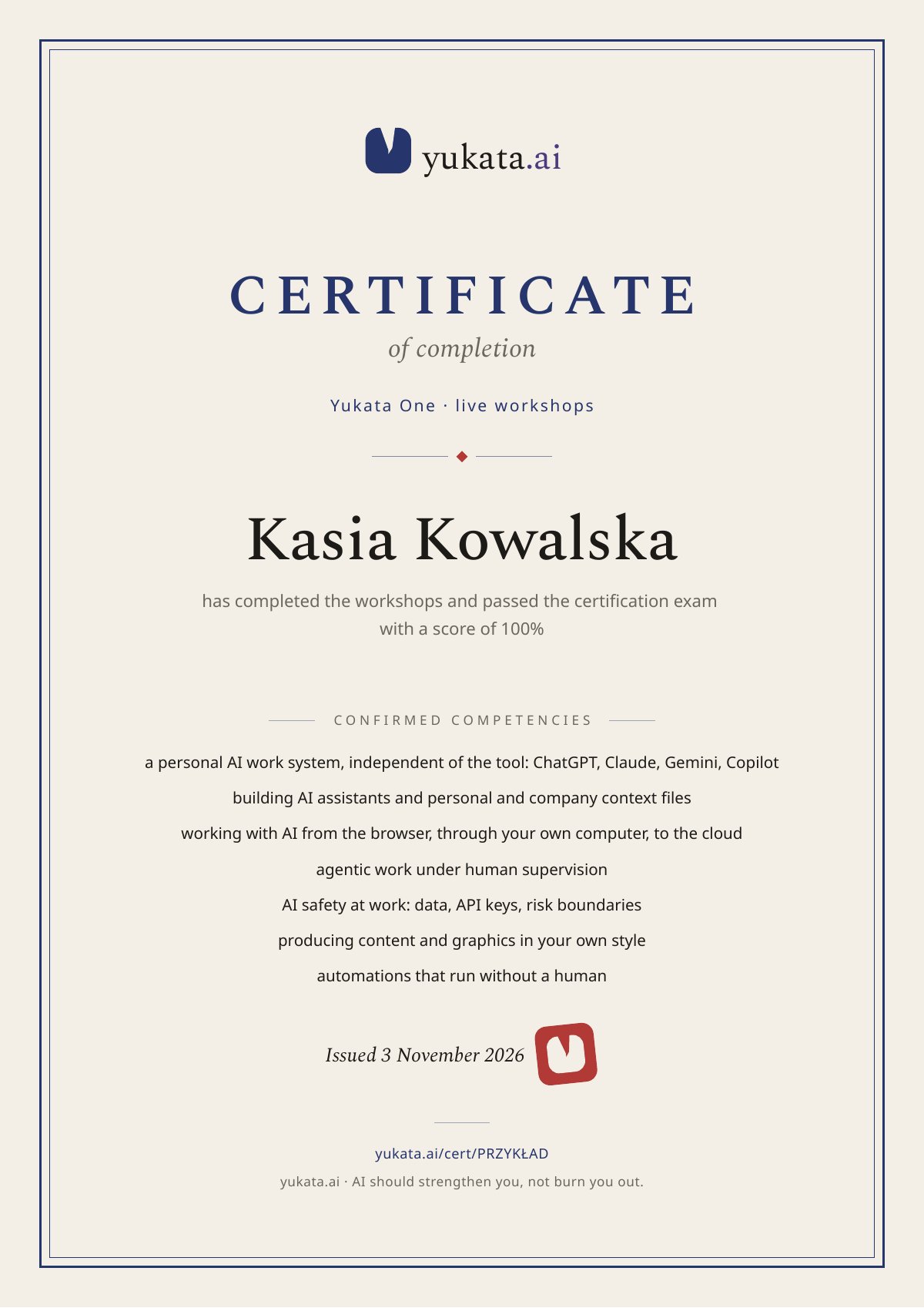
Your team of assistants and the recordings of all workshops stay with you. The course ends with an exam: 20 questions from the whole course, pass mark 80%. Once you pass, you get a certificate with a public verification page, a PDF and an “Add to LinkedIn” button. About 9 workshops is not the end: after them you have 12 months of the Platform with further self-paced workshops, the Knowledge Base, the AI Mentor and material updates. That is also where you get support after the course. See what is in the Platform →
The system is tool-agnostic: it works with ChatGPT, Claude, Gemini and Copilot, so switching tools does not mean rebuilding everything. Decisions and sending always stay with you.
Who leads
Workshops are led by, among others, Artur Racicki and Katarzyna Kraska-Sadokierska.
Artur Racicki. Entrepreneur who has been building technology companies since 2003, a mentor to entrepreneurs and a lecturer. Author of the yukata program, who works every day on the system of assistants built in the workshops.
Katarzyna Kraska-Sadokierska. Leads the live Yukata One workshops: she shows every step on screen and then makes sure the whole group gets to a working system.
From nonprofit organizations
Voices of NGO leaders
I used AI only occasionally and in complete chaos. During the course, I organized the knowledge base I use for management, built my own project and created assistants tailored to my language and needs. I recommend this training to people who feel discouraged by AI because they lack a plan and want to finally integrate these tools sensibly into their everyday work.
Yukata One graduate
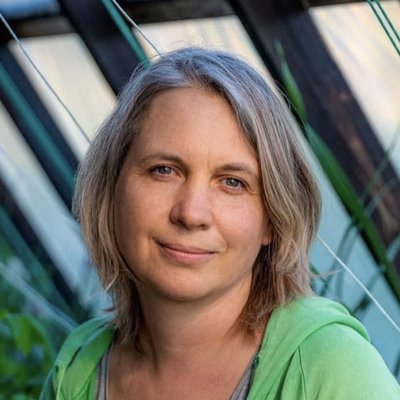
Artur did not give a theoretical talk about AI. He showed the system he uses himself as a serial entrepreneur and shared how to build it. That is exactly what the president of a foundation needs. I finished the training with a working system and the know-how to expand it. I recommend it to anyone in an NGO who juggles many roles and needs order in priorities, reviews, delegation and automating repetitive tasks, for example in fundraising and partner care.
Yukata One graduate
Dates and terms
November 2026.
9 online workshops, 9:00-11:00 (Warsaw time): November 3, 5, 10, 12, 17, 19, 24, 26 and 27. All sessions are recorded.
The November cohort runs in Polish. For a group in English, send a brief and we will agree the dates and the group with you. Price and scope as in Yukata One, including annual access to yukata.ai.
You need a computer and, from the third workshop, one paid subscription to Claude or ChatGPT (it can be your organization's account). You do not need to be technical.
Send us a brief
Tell us who it is for, how many people, the language and the dates that suit you. We will get back to you about the November cohort or a separate group.
FAQ